By Manish, who makes LocalInbox · Facts checked November 2026
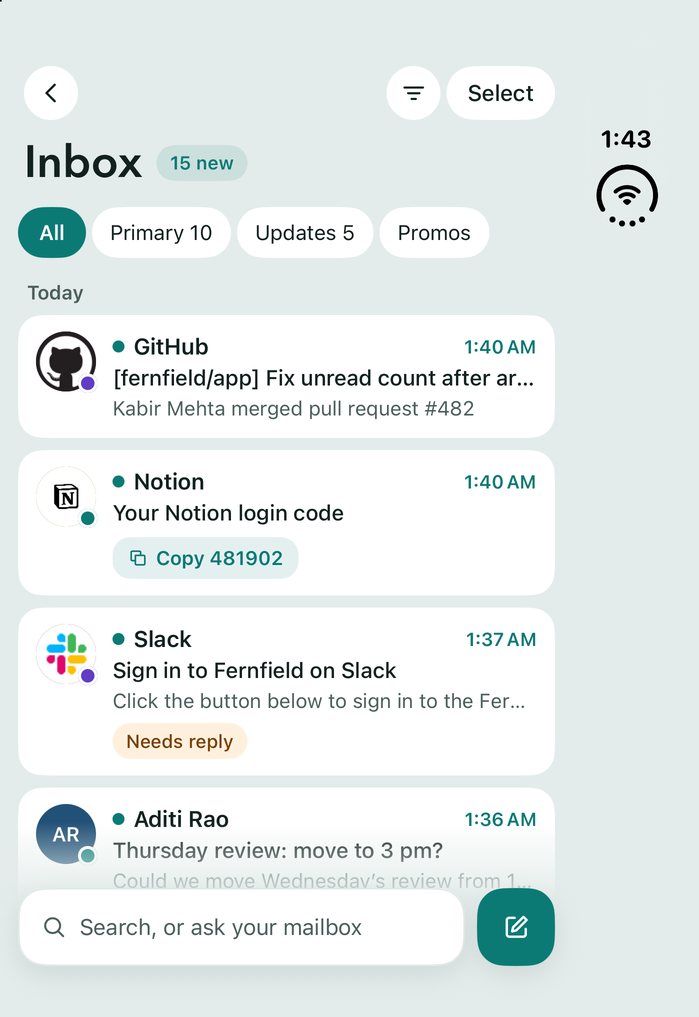
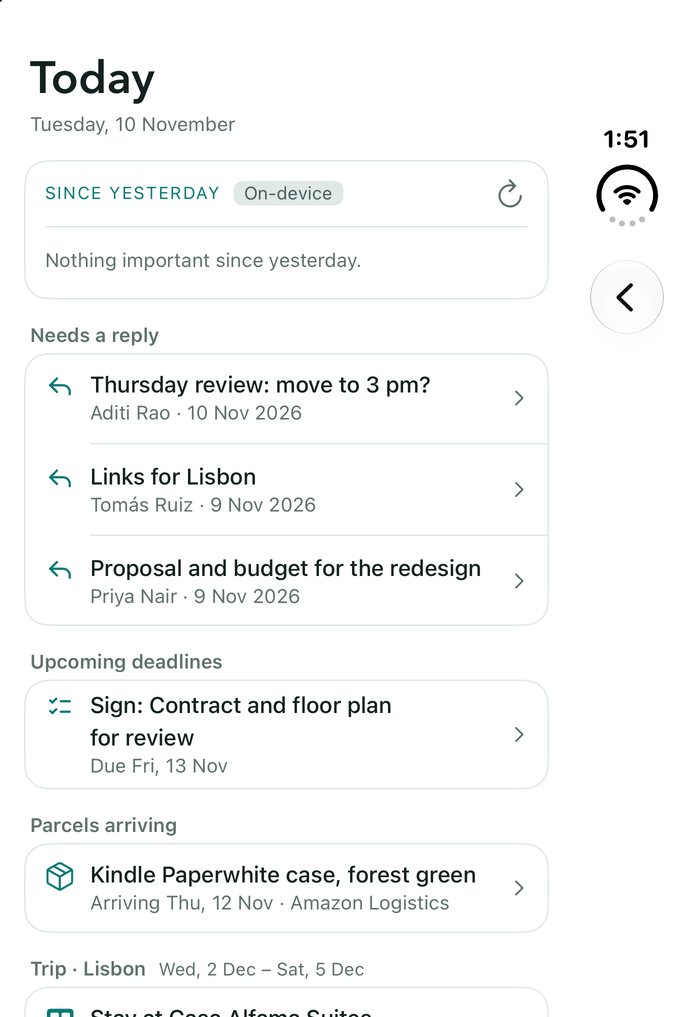
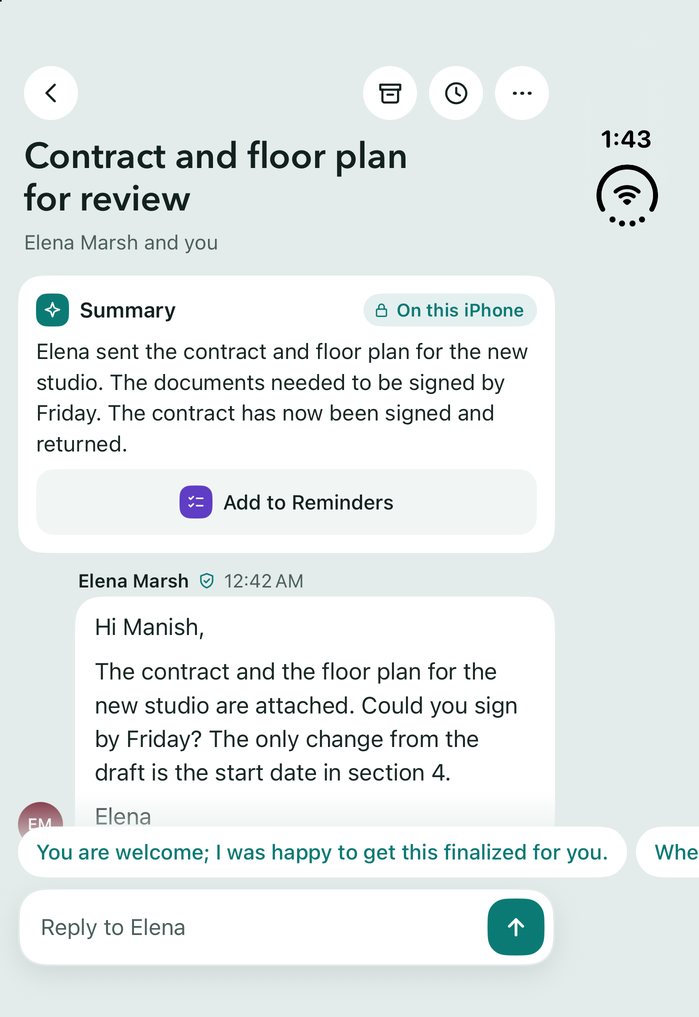
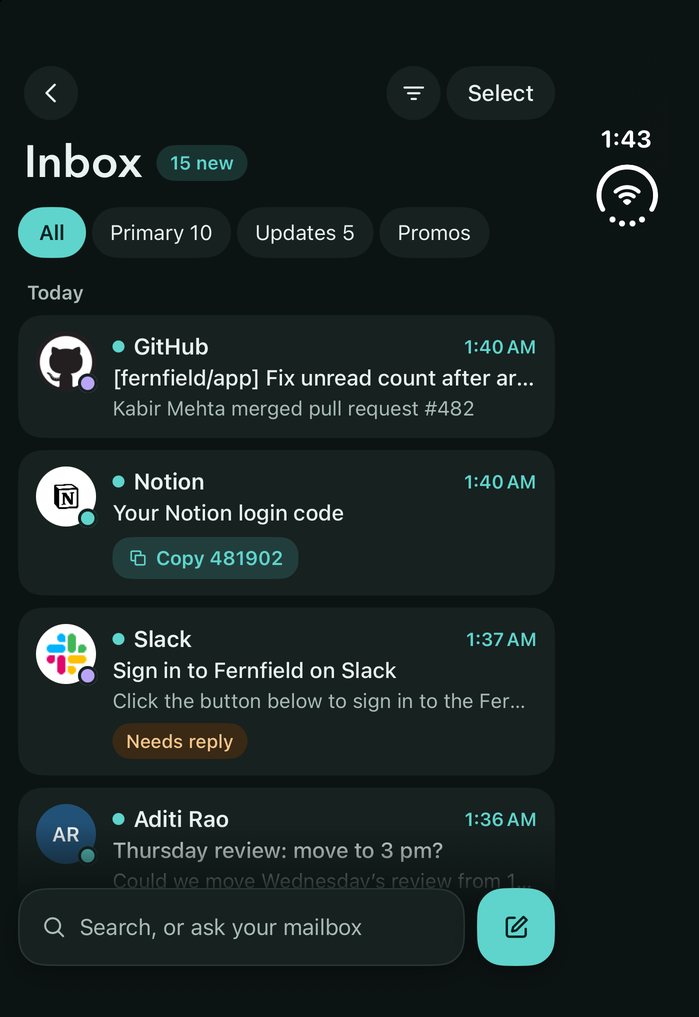
LocalInbox is a private email app made for the iPhone Duo's two screens, on the App Store. On the 5.4-inch outer screen it's a one-column inbox with the status bar in the side column, as Apple's own apps have it. Unfolded, the 7.6-inch inner screen gives the list and the conversation side by side when it's on its side, and Split View can hold two LocalInbox windows at once. Each window keeps its place as you fold and unfold. Apple Intelligence writes summaries and replies on the phone, and no AI cloud sees your mail.
The iPhone Duo's two screens
Apple announced the iPhone Duo, its first foldable iPhone, on 9 September 2026, and it went on sale on 23 October with iOS 27.1. Closed, it has a 5.4-inch outer screen; it opens to a 7.6-inch inner screen. For the first time on iPhone, Split View puts two apps, or two windows of one app, side by side.
An app built for an ordinary iPhone has to cope with both: an outer screen about 466 points wide and 678 tall, wider and shorter than any iPhone before it, and an inner screen of 669 by 951 points, which is about 330 points a side in Split View, narrower than any iPhone.
How LocalInbox uses them
- It lays out by the width it has, never by the device. Below 700 points it's one column: the outer screen, the inner screen held upright, and either half of Split View. From 700 points, the inner screen on its side, the list and the conversation sit side by side.
- On the outer screen, the status bar sits in a column at the side, as in Apple's own apps, and a settings row too long for one line puts its value under its title. In Classic the navigation buttons join that column, and Select becomes a symbol so it doesn't hold a bar open above your mail; in Harbor, where a new install starts, they float over the top of the list.
- Every window saves its own mailbox, conversation and scroll position, so folding, unfolding and Split View never lose your place.
- Two LocalInbox windows can sit side by side in Split View, say your inbox and a conversation you're answering. They share one database and one sync.
Sources
Facts about the iPhone Duo were checked in November 2026. The screen sizes in points were measured in Xcode's iPhone Duo Simulator. Facts about LocalInbox come from its own documentation.
Questions
Does LocalInbox work on the iPhone Duo?
Yes. It's the same app as on every iPhone and iPad, on the App Store, and it lays out for the outer screen, the inner screen and Split View.
What happens when I unfold the phone?
Your mailbox, conversation and scroll position stay where they were. Held upright, the inner screen shows one wide column; turned on its side, the list and the conversation sit side by side.
Can I use two LocalInbox windows in Split View?
Yes. Each window keeps its own place, and both share one database and one sync, so a message you archive in one is gone from the other.
Do the AI features work on the iPhone Duo?
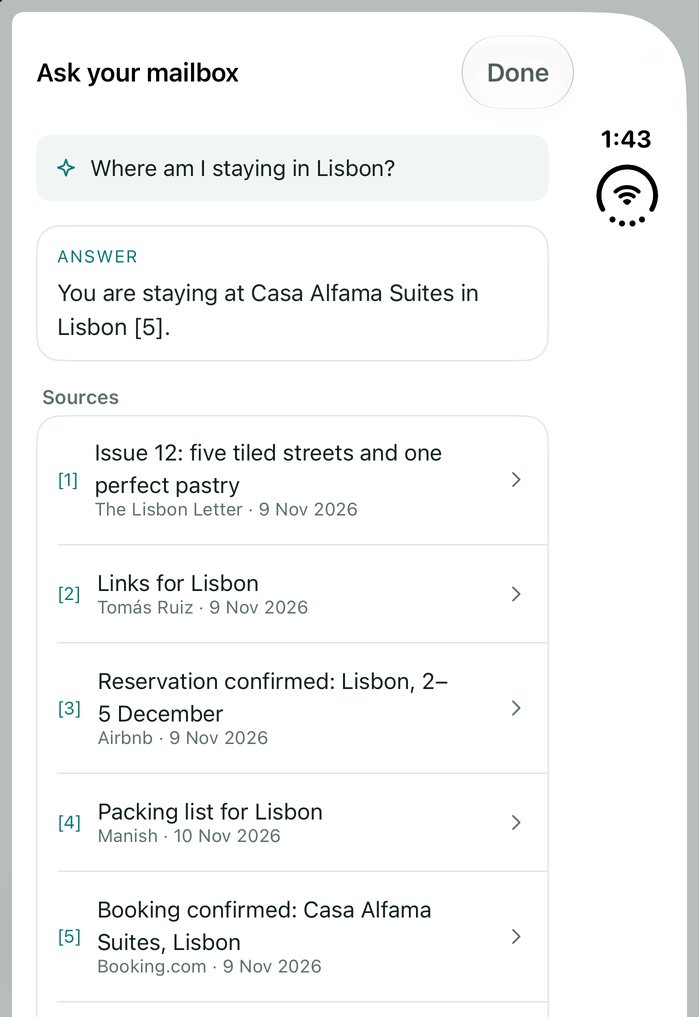
Yes, with Apple Intelligence, which the Duo runs. Summaries, suggested replies, Draft with AI, Rewrite and Ask your mailbox are written by Apple Intelligence on the iPhone or iPad itself (iOS 26 on a supported device). There's no AI cloud, and no LocalInbox server.
How much does LocalInbox for iPhone cost?
The app is a free download with a 7-day trial with every feature, started with a tap. Then one purchase unlocks it for good: $29.99, in the app or on localinbox.app. No subscription.