By Manish, who makes LocalInbox · Facts checked October 2026
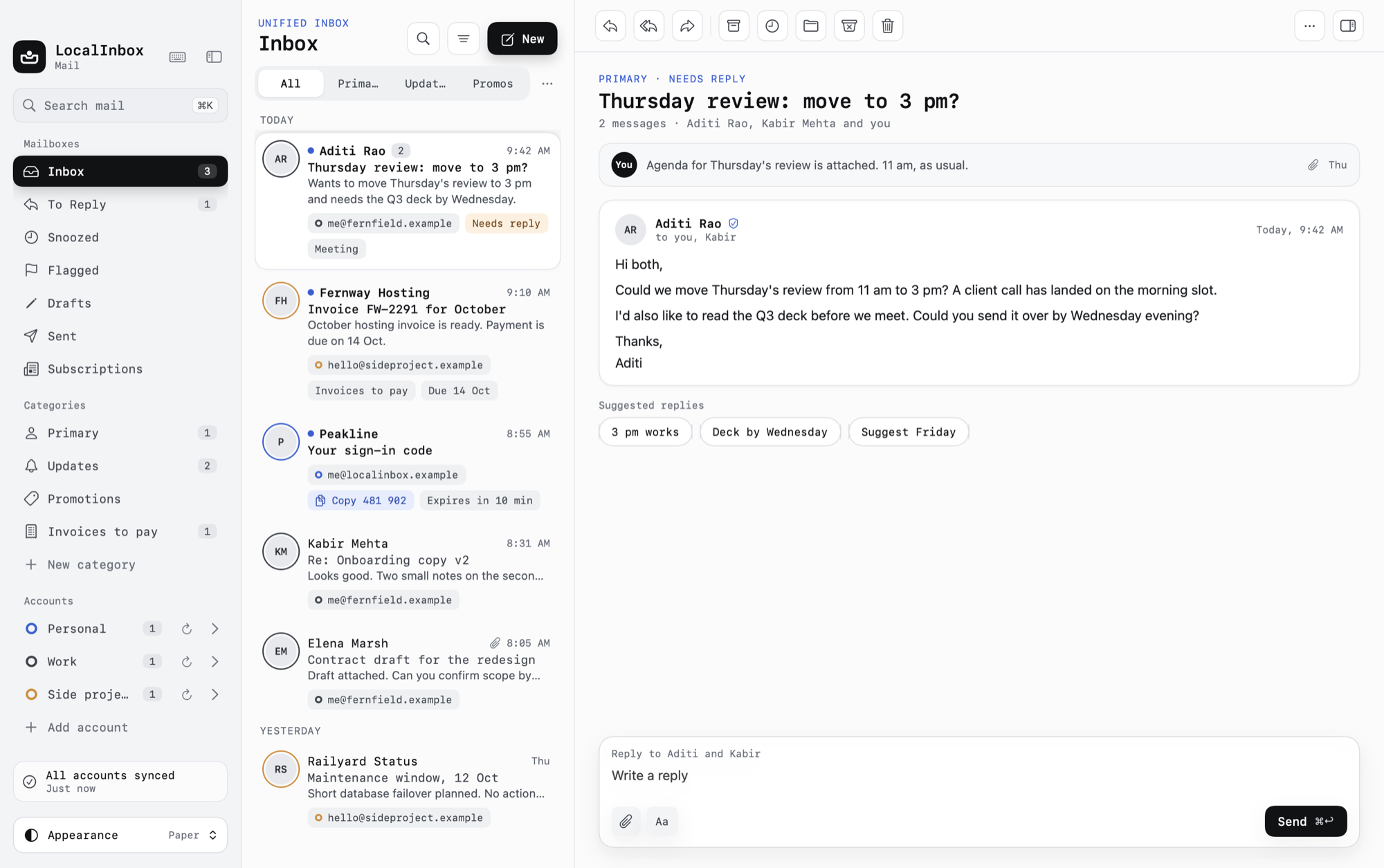
Superhuman is a keyboard-driven email app for Gmail and Outlook accounts, priced from about $25 to $40 a month, with AI that runs in the cloud. LocalInbox is also keyboard-first (⌘K and single-key triage), works with Gmail, iCloud, Yahoo, Fastmail and any IMAP account, runs its AI on your Mac by default, and costs a one-time $29.99.
At a glance
| Feature | LocalInbox | Superhuman |
|---|---|---|
| Price | One-time licence: $29.99 | Starter $30/month, or $25/month billed yearly; Business $40/month, or $33/month billed yearly |
| Where AI runs | On your Mac by default: Apple's on-device model, or a model you run in Ollama or LM Studio. Claude or OpenAI only with your own key | In the cloud, with OpenAI as its generative AI provider |
| Accounts | Gmail, iCloud, Yahoo, AOL, Fastmail, Zoho, GMX, Proton Bridge, any IMAP | Gmail and Outlook |
| Keyboard-first | Yes: ⌘K and single-key triage | Yes |
| Free trial | 7 days, no card | Trial offered; no free plan |
| Platforms | Mac (iPhone and iPad in beta) | Mac, Windows, web, iPhone, Android |
What it costs over three years
Superhuman has no free plan. Starter is $25 a month billed yearly, which is $900 over three years, or $1,080 paid monthly at $30. Business, at $33 a month billed yearly, comes to $1,188.
LocalInbox is $29.99 once, for up to three devices (Mac, iPhone or iPad) and every 1.x update. There's no subscription and no AI quota. That's the difference between a subscription for a team tool and a licence for your own Mac.
Where your mail and the AI go
Superhuman's AI runs in the cloud. Its list of subprocessors names OpenAI as its generative AI provider, processing in the USA, alongside the other vendors that run its service.
LocalInbox has no server. Your Mac talks straight to your mail provider, passwords stay in the macOS Keychain, remote images load only from trusted senders unless you allow them, and tracking pixels and link-tracking parameters are removed. Every connection the app can make is listed on its privacy page (https://localinbox.app/security).
LocalInbox's summaries, replies and answers are written on your Mac, by Apple's on-device model or a model server you run in Ollama or LM Studio, so there's no AI provider to list unless you add your own key.
The AI features side by side
Reviews of Superhuman's 2026 plans list AI replies, Auto Summarize, Instant Reply suggestions, Split Inbox and Auto Labels on Starter, with Ask AI and Auto Drafts, which writes replies in your voice, on Business.
LocalInbox's AI, all in one licence:
- Summaries, suggested replies, Rewrite and Draft with AI.
- Ask your mailbox: a question in plain words, answered from your mail with a numbered source after each claim, and a plain “I don't know” when your mail doesn't say.
- A To Reply mailbox of mail waiting on you, and categories you describe in your own words.
- Phishing warnings that explain why, with a second opinion from the model on suspected phishing.
Day to day
- Speed: both are keyboard-first. LocalInbox has ⌘K for any message or action, single keys to archive, snooze, flag and reply, and ⌘Z to undo, all remappable. It's a native Mac app built in Swift, so it opens, scrolls and searches without waiting, even with years of mail.
- Accounts: Superhuman works with Gmail and Outlook. LocalInbox works with Gmail, iCloud, Yahoo, AOL, Fastmail, Zoho, GMX, Proton Mail Bridge and any IMAP server, but not Outlook yet.
- Sending: LocalInbox has Undo Send from 5 to 30 seconds, Send Later, snooze and “remind me if no reply” on every account, with a helper that works while the app is closed.
- Templates: LocalInbox has templates, with five to start from, and signatures per address, synced to your other Macs through iCloud.
- Platforms: Superhuman runs on Mac, Windows, the web, iPhone and Android. LocalInbox runs on the Mac, with iPhone and iPad in beta.
Switching from Superhuman to LocalInbox
- Keep Superhuman, or Outlook, for any Outlook account: LocalInbox can't add those yet.
- Download LocalInbox and start the 7-day trial: every feature, no sign-up and no card.
- For Gmail, turn on 2-Step Verification, create an app password named LocalInbox in your Google Account and paste it in. The Gmail guide has the steps and server settings (https://localinbox.app/guides/gmail).
- There's nothing to export. Your mail stays on your provider, and LocalInbox downloads it over IMAP, so folders, read state and sent mail stay in step with the app you're leaving.
- Change any shortcut in Settings › Keyboard, or switch the single keys to Gmail's.
- Recreate your signatures in Settings › Composing, and the rules you rely on. Signatures, templates, rules and categories then follow you to your other Macs through iCloud.
- When you're ready, make LocalInbox your default mail app.
When LocalInbox is the better choice
- You want keyboard speed without paying every month.
- You use iCloud, Yahoo, Fastmail or your own IMAP server.
- You don't want an AI cloud reading your mail.
When Superhuman is the better choice
- You need the same app on your phone and in a browser.
- Your company uses Superhuman's team features.
- You need Outlook today.
Sources
Facts about Superhuman were checked in October 2026 and can change; check its website for current prices and features. Facts about LocalInbox come from its own documentation.
Questions
Does LocalInbox have Superhuman's keyboard shortcuts?
LocalInbox has its own: ⌘K for any message or action, J and K to move, E to archive, # to delete, R to reply, S to snooze, and ⌘Z to undo any of them. They can be remapped.
Is there a free version of Superhuman?
No. Superhuman has no free plan; it offers a trial, then Starter or Business. LocalInbox has a 7-day free trial with every feature, then a one-time licence.
Which AI does Superhuman use?
Superhuman's list of subprocessors names OpenAI as its generative AI provider, processing in the USA. LocalInbox's AI runs on your Mac, with Apple's on-device model or a model server you run yourself, unless you add your own key.
Is LocalInbox on iPhone, Windows or Android?
LocalInbox runs on the Mac, with iPhone and iPad in beta, with the same licence (https://localinbox.app/iphone ). Windows and Android: not yet. The waitlist (https://localinbox.app/waitlist) asks which platform you'd use, and it gets built if enough people ask.